

Cloud vs. On-Premise Infrastructure: Which Is the Right Choice for Your Business?
Explore the key differences between cloud and on-premise infrastructure, compare costs, security, scalability, performance, maintenance and discover which deployment model best supports your business goals with Attaya.
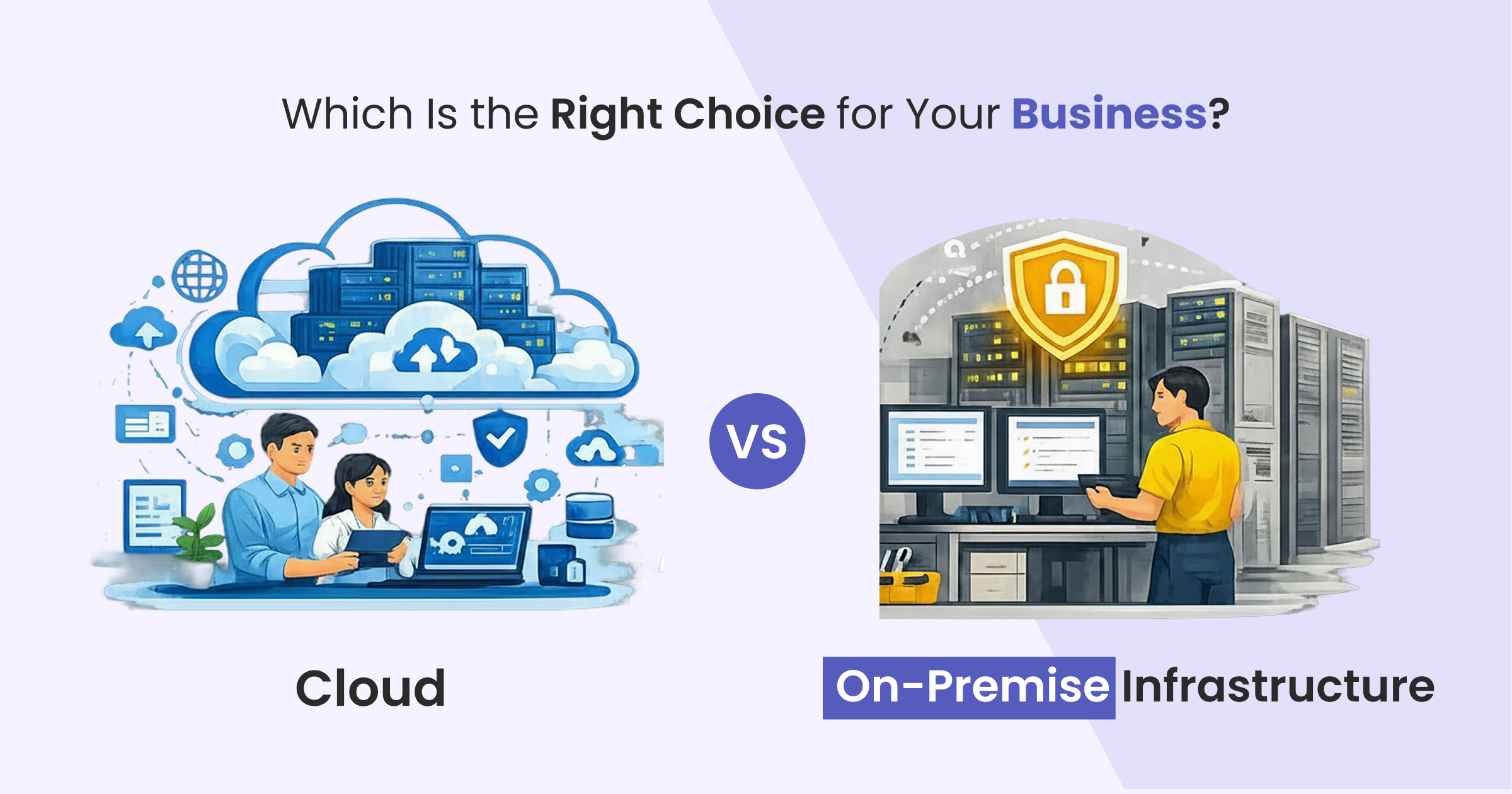
Table of Contents
- What Is Cloud Infrastructure?
- What Is On-Premise Infrastructure?
- Factors to Consider Before Choosing Cloud or On-Premise
- Business Growth
- Budget and Total Cost of Ownership
- Security and Compliance
- IT Resources
- Common Cloud Migration Challenges
- Legacy System Compatibility
- Data Migration
- User Adoption
- Security Planning
- Business Continuity
- Cloud vs. On-Premise Comparison
- Initial Investment
- Scalability
- Deployment Speed
- Maintenance
- Remote Accessibility
- Security
- Business Continuity
- Cost Management
- Benefits of Cloud Infrastructure
- Who Should Choose Cloud Infrastructure?
- Who Should Choose On-Premise Infrastructure?
- How Attaya Helps Businesses Choose the Right Infrastructure
- Infrastructure Assessment
- Cloud Migration Services
- Microsoft Dynamics 365 Implementation
- Hybrid Infrastructure Planning
- System Integration
- Ongoing Support & Managed Services
- Conclusion
What Is Cloud Infrastructure?
Cloud infrastructure allows businesses to host applications, databases, and workloads on remote servers managed by cloud service providers such as Microsoft Azure.
Instead of investing in physical hardware, organizations access computing resources over the internet and pay only for what they use. Cloud platforms provide flexibility, scalability, high availability, automatic updates, and secure access from virtually anywhere, making them a preferred choice for modern businesses.
What Is On-Premise Infrastructure?
On-premise infrastructure refers to hosting servers, applications and other IT systems within an organization's own facilities. Businesses purchase, manage, and maintain their own hardware, storage, networking equipment, and security systems. Internal IT teams are responsible for upgrades, maintenance, backups, and system monitoring.
Although on-premise infrastructure provides greater control over business data and systems, it also requires significant upfront investment and ongoing maintenance.
Factors to Consider Before Choosing Cloud or On-Premise
Selecting the right infrastructure depends on your current business requirements as well as your long-term strategy.
Business Growth
If your business expects rapid expansion, cloud infrastructure makes it easier to scale users, storage, and computing resources without investing in additional hardware.
Budget and Total Cost of Ownership
Cloud solutions generally require lower upfront investment and offer predictable subscription-based pricing. On-premise infrastructure involves higher capital expenditure for hardware, software, and ongoing maintenance.
Security and Compliance
Organizations operating in regulated industries should evaluate compliance, privacy, and security requirements carefully. Both cloud and on-premise environments can meet industry regulations when implemented correctly.
IT Resources
Companies with smaller IT teams often benefit from cloud services because the provider manages infrastructure, maintenance, and updates. Businesses with dedicated IT departments may prefer managing their own on-premise environment.
Common Cloud Migration Challenges
Moving to the cloud requires careful planning to minimize risk and ensure business continuity.
Legacy System Compatibility
Older applications may require upgrades or integration before they can function efficiently in a cloud environment.
Data Migration
Migrating business-critical data requires a structured approach to maintain security, accuracy, and minimal downtime.
User Adoption
Employees should receive proper training to ensure a smooth transition to cloud-based applications and workflows.
Security Planning
Cloud environments should include strong identity management, encryption, access controls, backup strategies, and monitoring.
Business Continuity
A phased migration strategy thorough testing helps reduce operational disruption during the transition.
Cloud vs. On-Premise Comparison
Initial Investment
Cloud
Requires minimal upfront investment since businesses pay for services on a subscription basis.
On-Premise
Requires significant investment in servers, networking equipment, storage, software licenses, and infrastructure.
Scalability
Cloud
Resources can be increased or reduced instantly as business requirements change.
On-Premise
Scaling requires purchasing additional hardware and expanding infrastructure, which takes more time and investment.
Deployment Speed
Cloud
Deployment is typically completed within days or weeks.
On-Premise
Implementation usually takes longer due to hardware procurement, installation, and configuration.
Maintenance
Cloud
The service provider manages software updates, backups, infrastructure maintenance, and security patches.
On-Premise
Internal IT teams are responsible for maintaining hardware, applying updates, and monitoring system performance.
Remote Accessibility
Cloud
Employees can securely access business applications from any location using internet-connected devices.
On-Premise
Access is generally limited to the organization's internal network unless secure remote access solutions are implemented.
Security
Cloud
Leading cloud providers invest heavily in advanced cybersecurity, encryption, compliance certifications, and disaster recovery.
On-Premise
Organizations have complete control over their security environment but must manage every aspect internally.
Business Continuity
Cloud
Built-in redundancy, automated backups, and disaster recovery capabilities help reduce downtime.
On-Premise
Businesses are responsible for designing, implementing, and maintaining backup and recovery systems.
Cost Management
Cloud
Subscription-based pricing provides predictable IT expenses and reduces capital investment.
On-Premise
Higher upfront costs and ongoing maintenance can increase the total cost of ownership over time.
Benefits of Cloud Infrastructure
- Lower upfront investment
- Easy scalability as business needs grow
- Secure access from anywhere
- Automatic software updates and security patches
- Built-in backup and disaster recovery
- Faster deployment of new technologies and business applications
- Benefits of On-Premise Infrastructure
- Complete control over infrastructure and business data
- Internal management of sensitive information
Who Should Choose Cloud Infrastructure?
Cloud deployment is ideal for:
- Small and medium-sized businesses
- Fast-growing organizations
- Multi-location businesses
- Companies supporting remote or hybrid work
- Organizations implementing Microsoft Dynamics 365
- Businesses looking to reduce infrastructure costs
- Companies that require rapid scalability
Who Should Choose On-Premise Infrastructure?
On-premise infrastructure is suitable for:
- Businesses with strict internal IT policies
- Organizations requiring complete hardware control
- Companies using specialized legacy applications
- Enterprises with dedicated in-house IT teams
- Organizations operating in highly regulated or specialized environments
How Attaya Helps Businesses Choose the Right Infrastructure
Choosing the right deployment model involves evaluating business objectives, operational requirements, compliance obligations, and long-term growth plans.
Attaya works closely with organizations to assess their existing IT landscape and recommend the most suitable infrastructure strategy.
Our services include:
Infrastructure Assessment
Evaluate your current systems, applications, and business requirements.
Cloud Migration Services
Plan and execute secure, low-risk migrations to Microsoft Azure, AWS and other leading cloud platforms.
Microsoft Dynamics 365 Implementation
Deploy cloud-based ERP and CRM solutions tailored to your business needs.
Hybrid Infrastructure Planning
Combine the flexibility of cloud with the control of on-premise infrastructure.
System Integration
Connect ERP, CRM, business applications, and third-party systems to create a unified technology ecosystem.
Ongoing Support & Managed Services
Provide continuous maintenance, performance optimization, system monitoring and technical support to ensure the solution remains reliable, secure, and performs efficiently over the long term.
Conclusion
There is no single deployment model that suits every organization. The right choice depends on your operational needs, business priorities, compliance requirements, and long-term strategy.
For many modern businesses, cloud infrastructure offers greater flexibility, scalability, lower infrastructure costs, and faster innovation. On-premise infrastructure remains an excellent option for organizations that require complete control over their systems, data, or specialized applications. With the right guidance, businesses can implement an infrastructure strategy that improves performance, enhances security, and supports future growth.
At Attaya, we help organizations evaluate their IT environment, design the right deployment strategy, and build a secure, scalable foundation for long-term success.
Frequently Asked Questions (FAQs)
Cloud infrastructure is hosted by a cloud service provider and accessed over the internet, while on-premise infrastructure is hosted and managed within an organization's own facilities.
Both deployment models can provide strong security when implemented correctly. Cloud providers offer enterprise-grade security features, while on-premise infrastructure gives organizations complete control over their security environment.
Cloud infrastructure typically requires lower upfront investment and predictable operating costs. On-premise infrastructure involves higher initial capital expenditure along with ongoing maintenance expenses.
Yes. With proper planning, businesses can migrate applications, databases, and workloads to the cloud while minimizing disruption to daily operations.
Attaya provides infrastructure assessments, cloud migration services, Microsoft Dynamics 365 implementation, system integration, managed services, and ongoing support to help businesses transition to modern cloud environments efficiently.